Why AI Video Breaks Continuity and How to Fix It
AI video looks great until the next shot. Here's why generative models break continuity, drifting characters, shifting light and how to actually fix it.
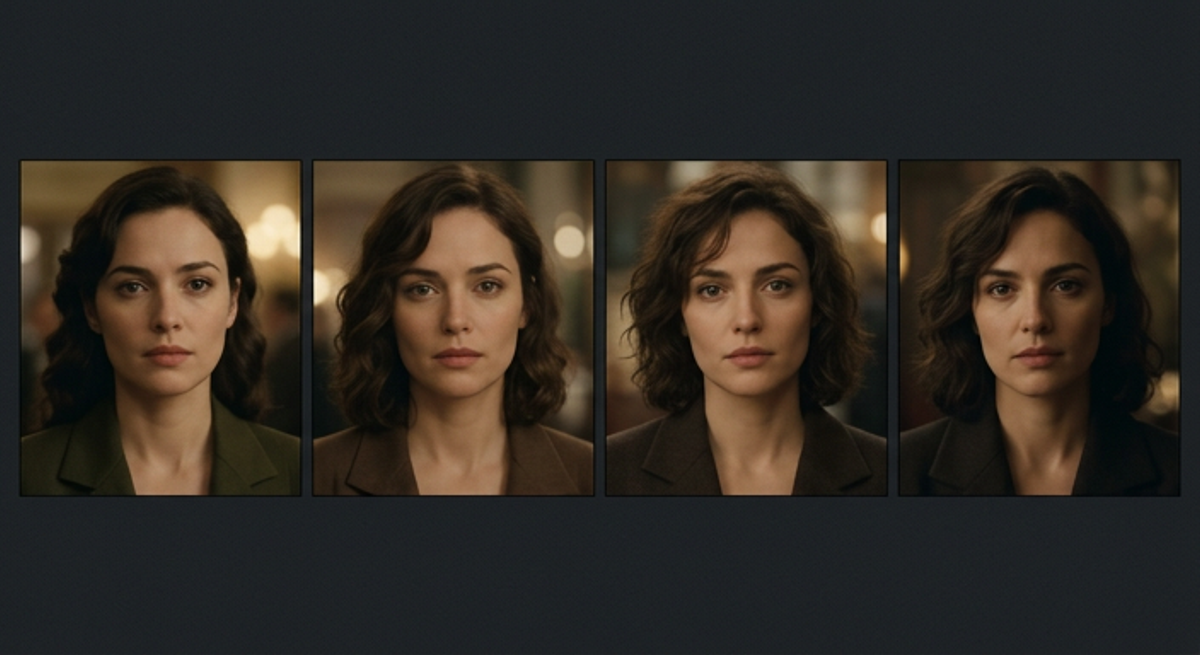
AI video generation has crossed a remarkable threshold: a single prompt can now produce footage that looks cinematic. But anyone who has tried to build something longer than a single clip runs into the same wall continuity. The character’s face shifts between shots. The jacket changes colour. The lighting that looked perfect in one frame is gone in the next. This article explains why generative video struggles with continuity, and what it takes to fix it.
What “continuity” actually means in video
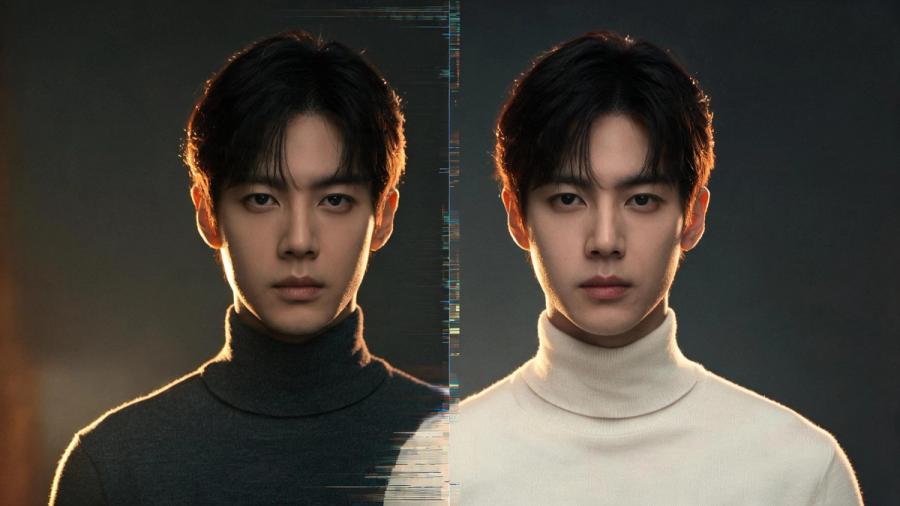
Continuity is the discipline of keeping details consistent across shots so the audience experiences a single, believable world. In traditional filmmaking it covers several layers:
- Character continuity — the same face, body, hair, and wardrobe from shot to shot.
- Lighting continuity — consistent direction, colour, and intensity of light across a scene.
- Spatial continuity — a stable sense of where things are in the room and where characters are looking.
- Narrative continuity — props, time of day, and story state that match what came before.
Break any of these and the illusion collapses. The viewer may not name what’s wrong, but they feel it.
Why generative models break continuity
The continuity problem in AI video isn’t a bug — it’s a direct consequence of how the models work. A few root causes:
1. Generation is probabilistic
Each output is a fresh sample. Ask a model to generate the same character twice and you get two plausible interpretations — not the same person. There’s no persistent identity carried between generations unless something enforces it.
2. Models have no memory between shots
A render engine sees the prompt in front of it, not the twelve shots you generated yesterday. Without a memory of what a character looks like or what has already happened, every shot starts from scratch.
3. Prompts are lossy
Language can’t fully pin down a face, a fabric, or a lighting setup. Two carefully written prompts will still drift, because the words leave room for interpretation that the model fills differently each time.
4. Style and lighting aren’t locked
Even when the subject holds, the colour grade, depth of field, and light direction can shift between clips — because nothing is constraining them to a fixed look.
Why this keeps AI video stuck in “pilot” mode
For single hero clips and mood films, drift is tolerable. But the moment you try to produce at scale — a campaign, an episodic sequence, a product line — inconsistency becomes the bottleneck:
- Manual cleanup and re-rolling eat the time AI was supposed to save.
- Brand and character integrity can’t be guaranteed across a full set of deliverables.
- Approval and QA become a manual, frame-by-frame chore.
This is why so many teams find AI video impressive in a demo but unusable in a real production pipeline.
How to fix continuity in generative video
Solving continuity means adding something the raw models lack: a layer that remembers, enforces, and translates intent into consistent output. In practice, that requires:
- Persistent identity. Lock a character, product, or environment once, then reference that locked definition in every subsequent generation.
- Story-state memory. Track what has happened and what each element should look like, so context carries from shot to shot.
- Coherence checking. Catch contradictions — a changed wardrobe, a flipped light direction — before a frame is rendered, not after.
- Style enforcement. Hold the grade, lens character, and lighting logic constant across an entire sequence.
- Model-agnostic routing. Because models improve constantly, the consistency layer should sit above any individual render engine rather than being tied to one.
The shift: from rendering to directing
The teams getting real value from AI video have stopped treating it as a slot machine and started treating it as a production system. The render model becomes a commodity interchangeable, always improving, while the durable value lives in the intelligence layer that keeps the story coherent across it.
Induce is built around exactly this idea: a narrative-intelligence layer that holds characters, lighting, and look consistent across every shot — on any model — so generative video can move from pilot to production.
Key takeaways
- Continuity covers character, lighting, spatial, and narrative consistency — and AI video struggles with all four.
- The cause is structural: generation is probabilistic, stateless, and prompt-driven.
- Drift is tolerable for single clips but fatal at production scale.
- Fixing it requires persistent identity, memory, coherence checking, and style enforcement above the model.
Related posts
What Is a “Controllable AI Director”? The Next Step for AI Filmmaking
A controllable AI director lets you direct shots, lighting, and continuity instead of just prompting. Here's what the term means and why it matters.
By Prithvi Bharadwaj
Continuity in Generative Video Production: A Practical Guide
A practical guide to continuity in generative video — the five layers to manage, a repeatable workflow, and why consistency is the key to scaling output.
By Prithvi Bharadwaj
What Is a Jump Cut? Definition, Examples & How to Use One
What is a jump cut? A clear guide to the technique — how it works, why it's used, how it differs from other cuts, like the match cut and montage.
By Prithvi Bharadwaj