AI Movie Maker: How to Turn Scripts Into Film
An AI movie maker turns a script into a finished film — but most stop at clips. Here's how the category works in 2026,
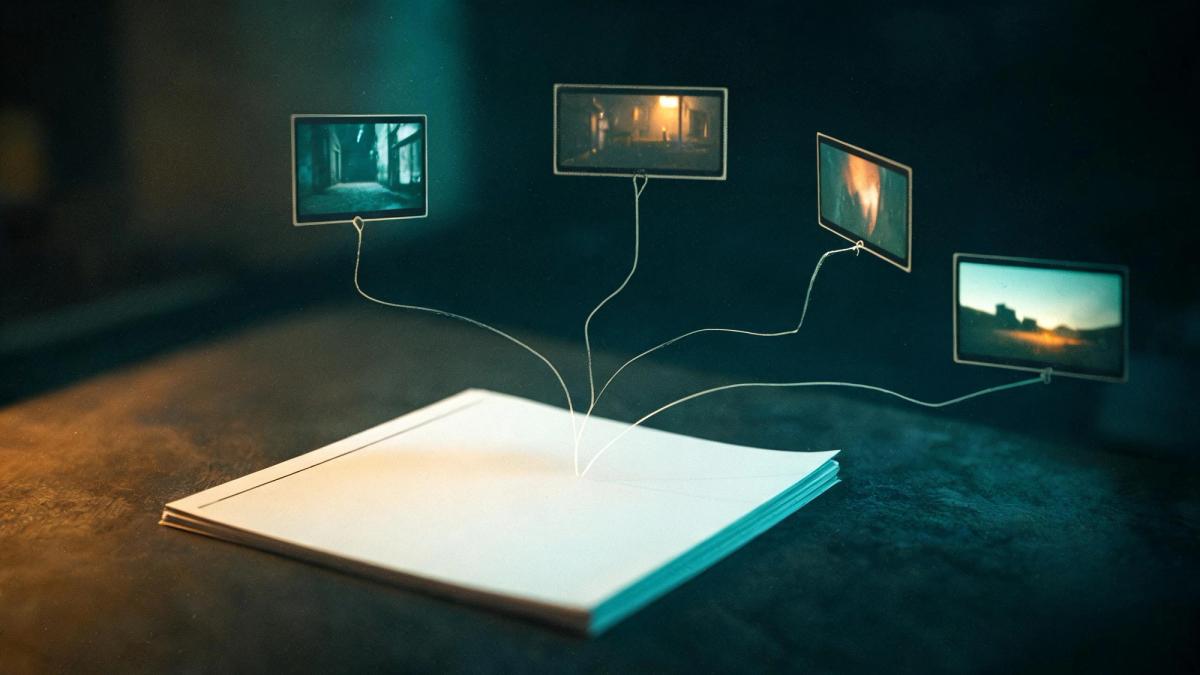
"AI movie maker" usually conjures a single text box: type a prompt, get a clip. But a movie isn't a clip — it's dozens of shots that have to hold together, with the same characters, a consistent look, and a story that tracks from open to close. The gap between "generate a video" and "make a movie" is exactly where most tools fall down, and exactly what's worth understanding before you pick one.
This guide covers what an AI movie maker actually is in 2026, the two approaches on the market, what separates a real film from a pile of generated fragments, and how to turn an actual script into an actual film.
What is an AI movie maker?
An AI movie maker is software that generates moving-image film from a text input — a prompt, a description, or a full screenplay. The category spans a wide range: at one end, single-clip generators that produce a few seconds of video from a prompt; at the other, full pipelines that take a complete script and assemble a multi-scene cut with consistent characters.
The distinction matters enormously, because "make a movie" implies the hard parts: characters who stay the same across scenes, a visual style that holds, and a narrative that makes sense as a whole. A tool that generates one beautiful clip hasn't made a movie — it's made a shot. Making a movie means making many shots that belong to the same film.
The two approaches: prompt-first vs. script-first
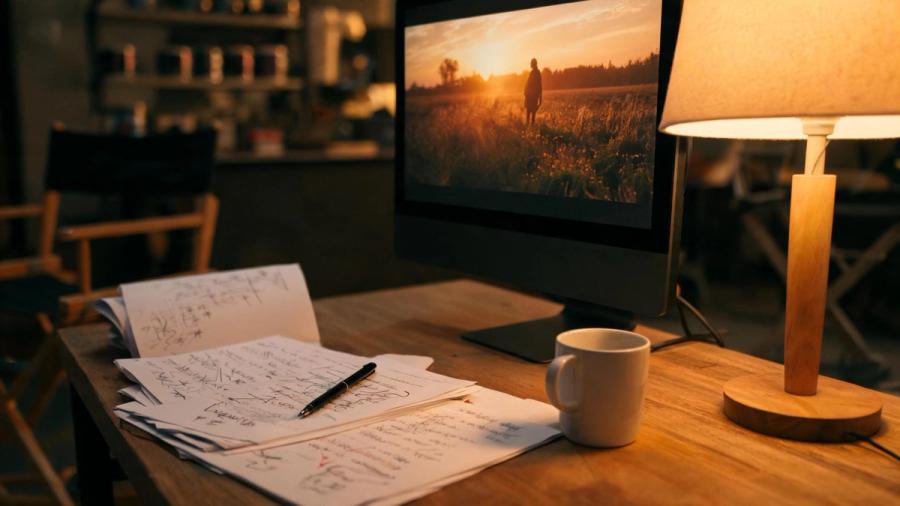
Prompt-first tools work one clip at a time. You write a prompt, get a clip, write the next prompt, get another clip. Each generation is independent — the tool has no memory of what came before. To make anything longer than a few seconds, you stitch clips together manually, re-describing your character, location, and tone every single time and hoping they match. They rarely do.
Script-first tools invert this. You upload a whole screenplay, and the system reads it as a single document — casting the characters, mapping the locations, breaking it into scenes and shots — then generates from that shared source of truth. Because it holds the whole story in memory, the same character can appear in scene 1 and scene 40 and still be the same person.
For making an actual movie, script-first is the only approach that scales. Prompt-first is fine for a standalone clip; it breaks down the moment you need continuity across a real runtime.
What actually makes a movie cohere
Three things separate a film from a sequence of clips, and they're the things AI has historically struggled with most.
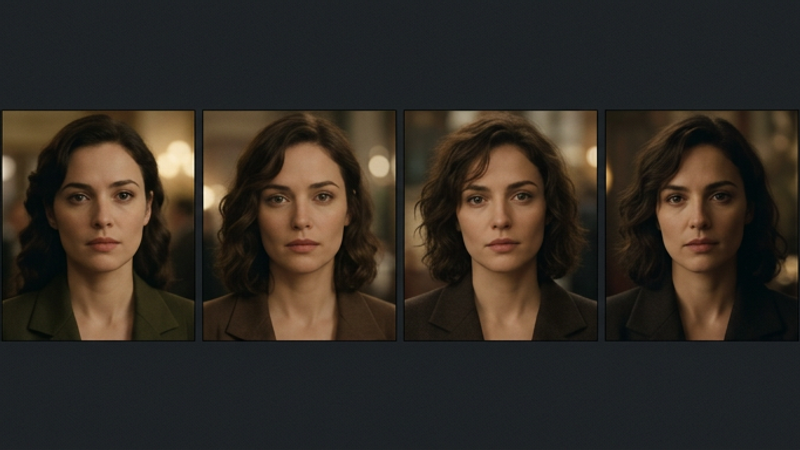
Character consistency. Your protagonist has to look like your protagonist in every shot. Most generators have no memory between generations, so a character's face drifts, their wardrobe changes, and by the tenth clip they look like a different person. A real movie maker holds character identity across the entire film.
Visual and tonal continuity. The lighting, color, and style of scene 3 should match scene 28 if they're the same location or mood. Without a persistent sense of the film's look, every shot is a fresh roll of the dice.
Narrative coherence. A movie is cause and effect. What a character learns in act one should govern what they do in act three. This is the deepest problem — it requires the tool to understand the story, not just render individual prompts.
A tool that solves all three is making movies. A tool that solves none is making clips you'll spend days trying to reconcile.
How to turn a script into a film
The script-first workflow is straightforward, and it mirrors how a real production breaks down a screenplay.
- Start with a script. A finished screenplay, a treatment, or even a well-structured outline. Standard formats — Final Draft, Fountain, PDF — carry the structure (scene headings, action, dialogue) the tool needs.
- Let it break the script down. The system parses the script into scenes and shots, extracts the cast of characters, and identifies locations — building a map of the whole film before generating anything.
- Generate from the shared source of truth. Each shot is generated with the character, location, and tone consistent with everything else in the film, because they all reference the same breakdown.
- Direct and refine. Adjust individual shots — framing, lighting, pacing — without re-rolling the whole film, then assemble and export.
The shift is from describing a film fragment by fragment to directing a film that the tool already understands as a whole.
Where Induce fits
Induce is a script-first AI movie maker built specifically for the parts that make a movie a movie. Upload a screenplay and Induce reads it the way a director does — breaking it into scenes and shots, casting your characters into a continuity graph that holds their identity across every shot, and tracking story state so narrative logic carries from first frame to last. Each shot is routed to the best generation model for it — Kling, Seedance, Veo, or Nano Banana — and assembled into a continuous cut you refine shot by shot. The result is an actual film, not a folder of clips you have to reconcile by hand.
What is an AI movie maker?
+Software that generates film from text — ranging from single-clip generators to full pipelines that turn a complete screenplay into a multi-scene cut with consistent characters.
Can AI really make a full movie?
+AI can generate the shots that make up a movie, and script-first tools can assemble them into a coherent cut with consistent characters and continuity. The quality of the "movie" depends heavily on whether the tool holds the story together or just generates clips.
How do I turn my script into a movie with AI?
+Use a script-first tool: upload your screenplay, let it break the script into scenes and shots, generate from that shared breakdown so characters stay consistent, then refine individual shots and export.
What's the difference between an AI movie maker and an AI video generator?
+Largely framing — but "movie maker" implies multi-scene, character-consistent narrative output, where many "video generators" produce single clips. Look at whether a tool handles a whole script or just one prompt at a time.
Do I own what I make?
+Depends on the tool — check the commercial-rights terms. Induce, for example, grants full commercial rights on every tier including its free beta.
Related posts
Script to Video AI: How It Works in 2026
Script-to-video AI turns a screenplay into a finished cut. Here's how the technology works in 2026, why script-first beats prompt-first.
By Prithvi Bharadwaj
What Is a “Controllable AI Director”? The Next Step for AI Filmmaking
A controllable AI director lets you direct shots, lighting, and continuity instead of just prompting. Here's what the term means and why it matters.
By Prithvi Bharadwaj
Why AI Video Breaks Continuity and How to Fix It
AI video looks great until the next shot. Here's why generative models break continuity, drifting characters, shifting light and how to actually fix it.
By Prithvi Bharadwaj