Script to Video AI: How It Works in 2026
Script-to-video AI turns a screenplay into a finished cut. Here's how the technology works in 2026, why script-first beats prompt-first.
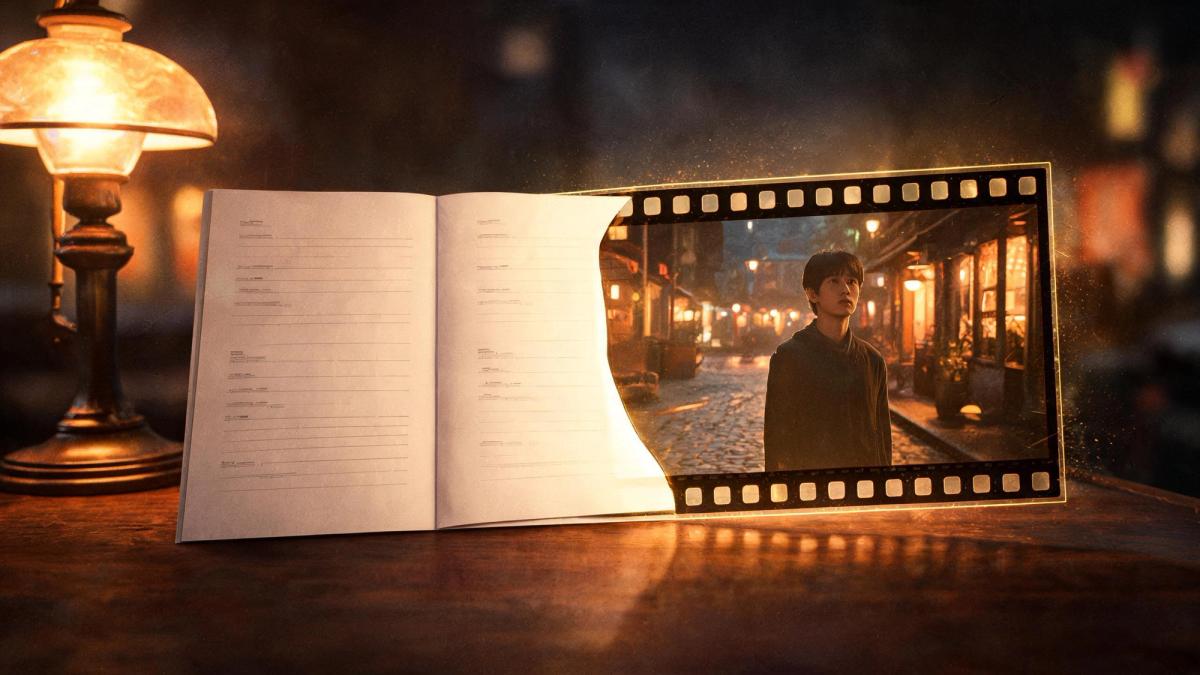
Script-to-video AI does something that sounds simple and is technically very hard: it takes a written screenplay and turns it into a watchable film. Not a single clip from a prompt a full breakdown of a script into scenes and shots, generated with the same characters and look throughout. In 2026 it's become one of the most useful applications of generative video, and also one of the most misunderstood. Here's how it actually works.
What script-to-video AI means
Script-to-video AI is software that ingests a screenplay — dialogue, action, scene headings, the whole structure — and generates corresponding video. The key word is script: rather than asking you to describe one shot at a time, it reads the entire document and works out what the film is before generating it.
That's a fundamentally different starting point from the prompt boxes most people associate with AI video. A screenplay encodes far more than a prompt does: who's in each scene, where it takes place, what time of day, the emotional register, how scenes connect. Script-to-video AI uses all of that structure as the blueprint for the film.
Why "script-first" is the whole point
The reason this matters is continuity. When you generate video one prompt at a time, the tool has no memory — each clip is created in isolation, so your character's face, the location, and the tone reset with every generation. Stitching those clips into something coherent is a manual nightmare.
A script-first tool reads the whole story up front and generates every shot against a single, shared understanding of it. The same character is the same character in scene 1 and scene 30 because both shots reference the same breakdown. That's not a feature bolted on top — it's a consequence of starting from the script instead of from disconnected prompts.
How it works, step by step
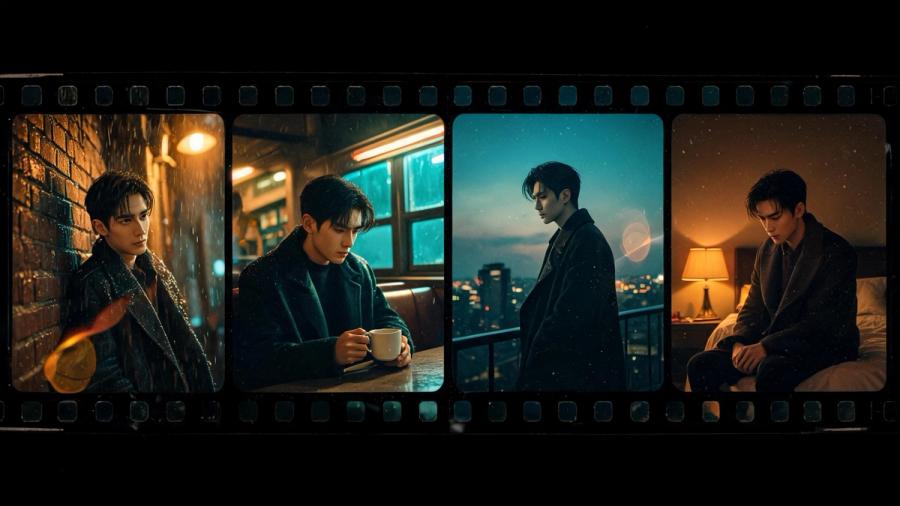
Modern script-to-video pipelines follow a sequence that mirrors how a real production reads a screenplay:
1. Ingestion. The tool reads the script file- Final Draft, Fountain, PDF, or pasted text detects the format, and parses the structure: slug lines become scene anchors, characters are extracted into a cast list, action and dialogue are separated.
2. Scene breakdown. Each scene becomes a unit with its own attributes: location, interior or exterior, time of day, characters present, emotional tone, dominant action.
3. Shot breakdown. Within each scene, action lines and dialogue exchanges are converted into individual shots, each with provisional camera, framing, and blocking choices.
4. Generation. Each shot is generated — and in the better systems, routed to whichever underlying model is best suited to that shot's content. Characters and look are held consistent across shots via a persistent memory of the film's elements.
5. Assembly and refinement. The shots are assembled into a continuous cut you can watch, then refine shot by shot — adjusting framing, lighting, or pacing without regenerating the whole thing.
The entire breakdown of what would take a human assistant director hours, happens in minutes.
What to look for in a script-to-video tool
Not all script-to-video AI is equal. The things that separate a usable tool from a frustrating one:
Format support. It should accept the file your script is already in — Final Draft (.fdx), Fountain, PDF, plain text — without forcing you to reformat.
Continuity across the cut. This is the single most important capability. Does the tool hold your characters, wardrobe, and locations consistent across every shot, or does it drift? Ask specifically how it handles the same character across multiple scenes.
Shot-level control. You'll want to fix individual shots. Check whether you can override one shot without re-rolling the entire film.
Model flexibility. Tools locked to a single generation model are fragile — when that model changes or is deprecated, your pipeline breaks. Tools that route across multiple models are more durable.
Commercial rights. If you're making anything for real use, confirm you own the output.
Where Induce fits
Induce is a script-to-video AI built script-first from the ground up. Upload a screenplay in FDX, Fountain, PDF, or plain text, and Induce breaks it into scenes and shots in under a few minutes, building a continuity graph that holds your characters and look consistent across the entire cut. Every line becomes its own shot — nothing flattened — composed by a virtual director of photography, and each shot is routed to the best generation model for it rather than locked to one.
You watch a first cut, refine any shot without re-rolling the rest, and export with full commercial rights. It's the difference between describing a film fragment by fragment and directing one the tool already understands.
What is script-to-video AI?
+Software that turns a written screenplay into video by reading the whole script, breaking it into scenes and shots, and generating each one with consistent characters and continuity.
How does script-to-video AI work?
+It ingests the script, parses its structure, breaks it into scenes and then shots, generates each shot against a shared understanding of the film, and assembles them into a cut you can refine.
What's the difference between script-to-video and prompt-based AI video?
+Prompt-based tools generate one clip per prompt with no memory between them. Script-to-video reads the whole script first, so characters and look stay consistent across the entire film.
What script formats are supported?
+The better tools accept Final Draft (.fdx), Fountain, PDF, and plain text. Induce supports all four natively.
How long does it take to turn a script into video?
+The breakdown itself takes minutes; a first assembled cut you can refine is typically a matter of hours rather than the weeks a traditional production requires.
Related posts
AI Movie Maker: How to Turn Scripts Into Film
An AI movie maker turns a script into a finished film — but most stop at clips. Here's how the category works in 2026,
By Prithvi Bharadwaj
What Is a “Controllable AI Director”? The Next Step for AI Filmmaking
A controllable AI director lets you direct shots, lighting, and continuity instead of just prompting. Here's what the term means and why it matters.
By Prithvi Bharadwaj
Why AI Video Breaks Continuity and How to Fix It
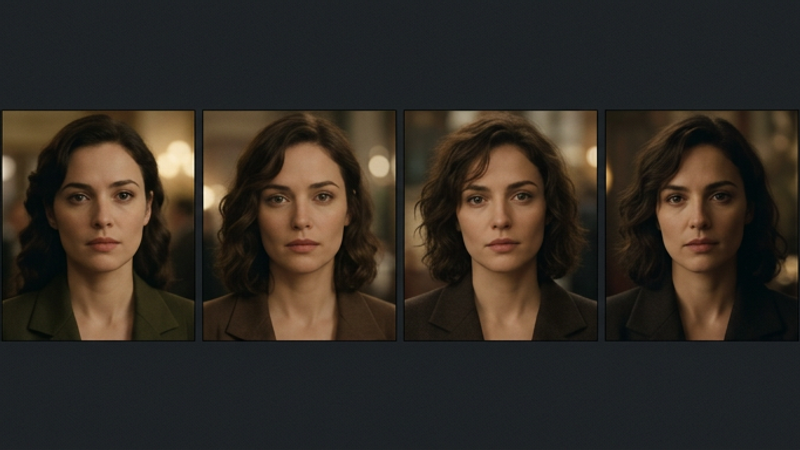
AI video looks great until the next shot. Here's why generative models break continuity, drifting characters, shifting light and how to actually fix it.
By Prithvi Bharadwaj